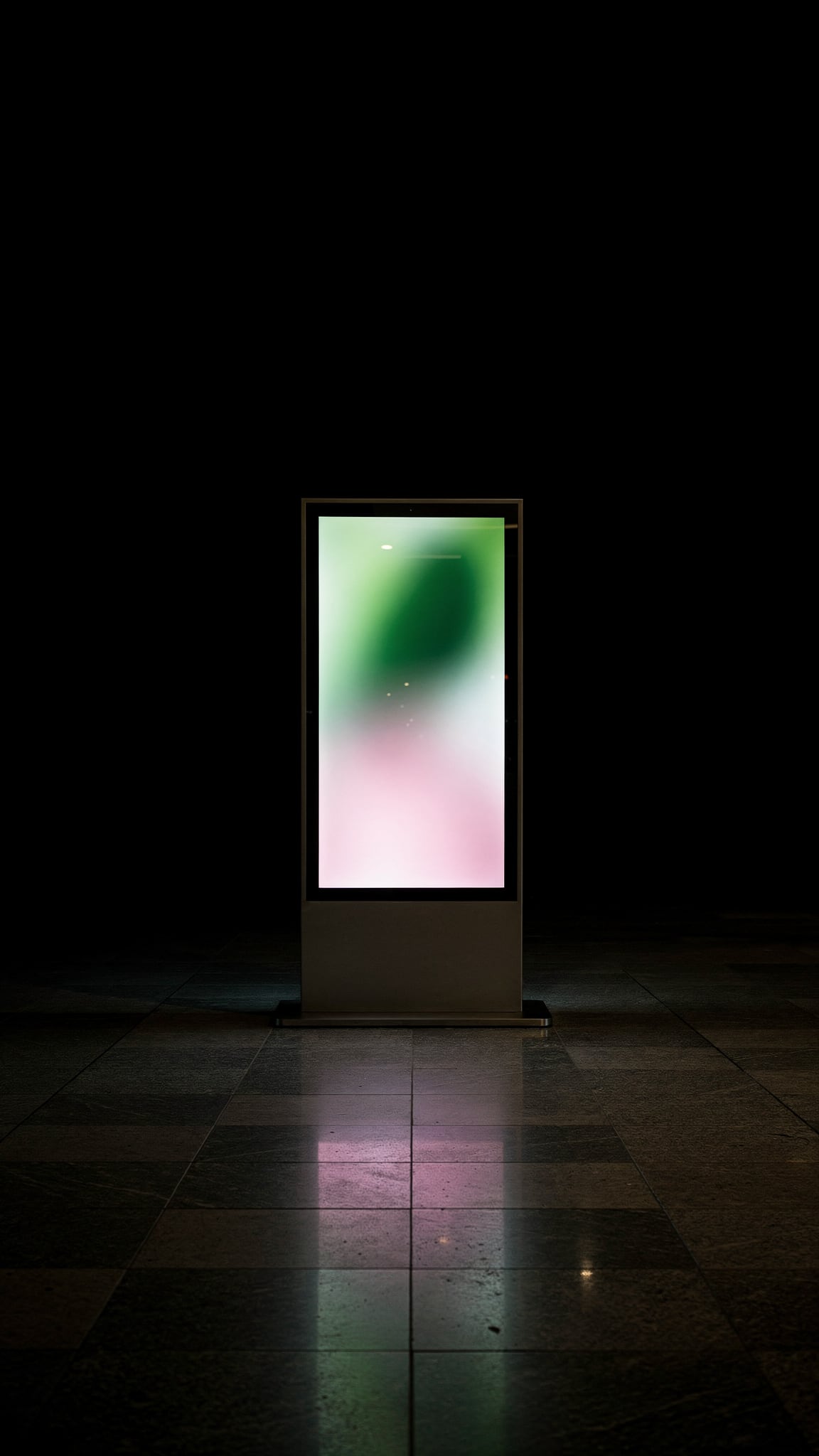

Interactive digital signage
Your screens, set up the way shoppers notice
Picture a shopper slowing down at a screen that invites a touch. One cloud dashboard runs every panel, with plug-ins for games, camera, showcases and indoor maps. No code needed.
Subscription plan 30-day satisfaction guarantee
Ready plug-ins · no programming
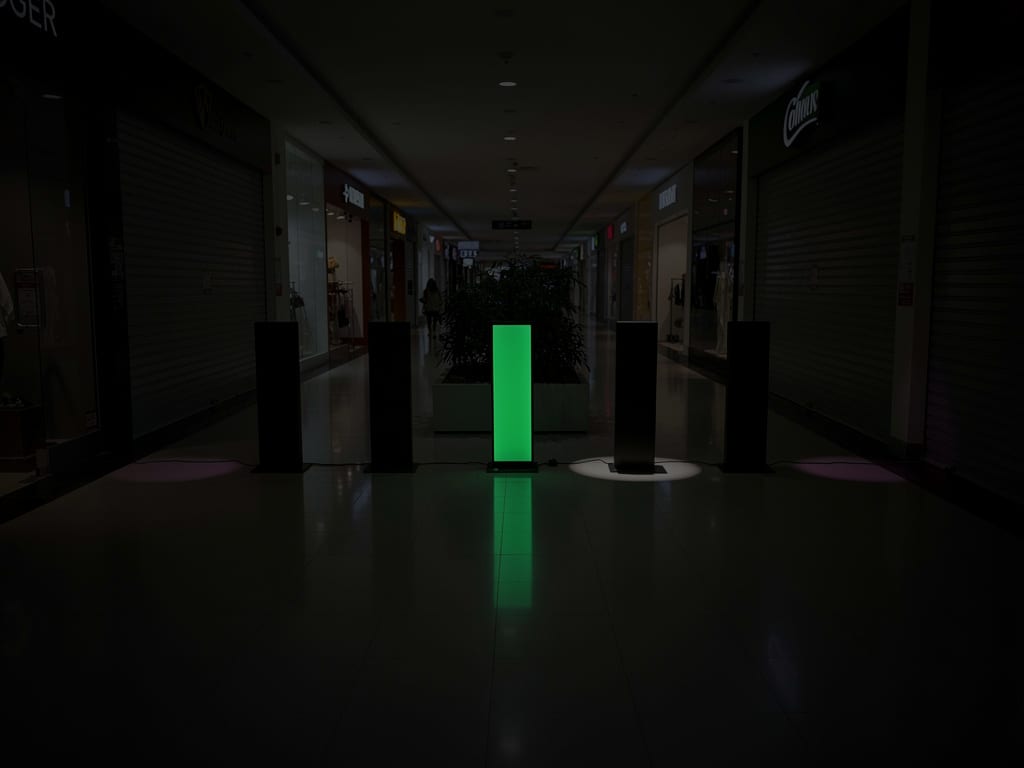
Interactive panels, managed from one place, day by day.
I3DISPLAY BRASIL COMERCIO E TECNOLOGIA
02 / Why this method
A clear routine behind every screen
| The usual way | With the plan | |
|---|---|---|
Set up from one placeChoose the panel, the plug-in and the content in the dashboard. Changes go out from the cloud, not screen by screen in the aisle. | ||
Games, camera and showcases in one systemAll plug-ins live in the same dashboard, so your whole screen lineup is handled in a single workflow. | ||
Ready-made plug-insReady-made plug-ins for games, camera, product showcases and indoor navigation on every panel. | ||
Indoor navigation for mallsContent built around your store, your products and your calendar. Pick the plug-ins, set the schedule and publish from a single dashboard. | ||
Manage everything from one dashboardUpdate a promotion once, send it to every panel and skip walking to each screen in person. | ||
Works across stores and mallsOne cloud account for single shops, mall corridors and brand counters in different locations. contact our support team |
01 / Inside the plan
What the plan covers
Each day gives you one small step: connect a panel, choose a plug-in and load a product showcase. Then you review how the screen looks before anything goes live in your store.
You follow the routine one day at a time, at your own pace, from any browser. Use it for a single store, a mall corridor or a brand's network of panels.
How billing worksThe plan starts with a discounted first period, then renews automatically as shown on the plan cards. contact our support team
Get my plan
Day-by-day screen setup
Connect your interactive panels to the cloud dashboard and organize them by location, one step at a time.
Plan pricing: ask our support teamProduct showcase plug-ins
Lay out your products on screen with images, details and touch navigation, item by item.
Plan pricing: ask our support teamGames and camera
Playful plug-ins that invite shoppers to stop, touch and take part.
Plan pricing: ask our support teamIndoor navigation for malls
Wayfinding screens that help visitors find stores and services, planned by floor, entrance and route.
Plan pricing: ask our support teamOne dashboard, every panel
Update content once, check it in the cloud and send it to all your screens at the same time.
Help: support by e-mailNo programming
Every step uses ready-made plug-ins, so retailers, malls and brands set up screens without code.
Setup: contact our support team
Access details and timelines are listed in our Shipping information. If something is wrong with your subscription, see the Refund Policy and contact our team directly.
03 / How the screens work
Three steps from idea to screen
- 01
Choose your plug-in
Start from a game, a camera experience, a product showcase or an indoor map, with the products and the date you want them live.
- 02
Arrange it, no code
Drag in images, prices and touch areas, preview what a passing shopper will see and adjust before anything goes public.
- 03
Publish and follow along
Send it to one panel or your whole network from the cloud dashboard. contact our support team

05 / How your 28 days run
Cloud control, ready plug-ins, daily guidance
- One cloud dashboard to manage every interactive panel you run
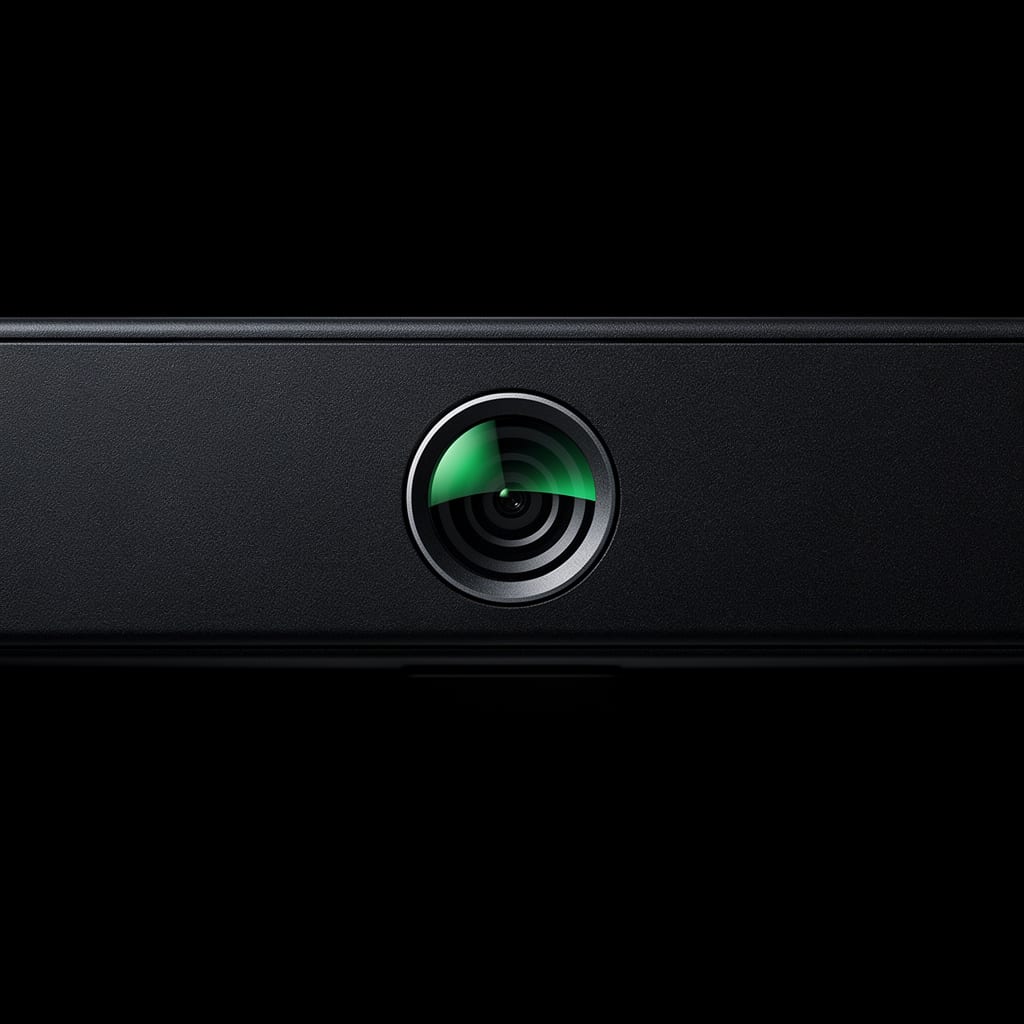
- Plug-ins for games, camera, showcases and navigation
- No programming required at any step
04 / The company
Interactive screens built for the shop floor
I3DISPLAY BRASIL COMERCIO E TECNOLOGIA builds a cloud-based content management system for interactive digital panels: one place to control what every screen shows, with no programming or on-site technical team required.
Alongside the core system come plug-ins for games, camera, product showcases and indoor navigation, so a new launch or a weekend campaign can be set up in one session.
We work with retailers, shopping malls and brands that want their panels to do more than loop a video. The 28-Day Shopper Attention Plan walks you through setup one simple daily step at a time.
Our mission: to make interactive screens easy to run, with a clear dashboard, ready-made plug-ins and someone on our team who answers your questions.
Company detailsI3DISPLAY BRASIL COMERCIO E TECNOLOGIA LTDA · Reg. 44.161.486/0001-15 · Alameda Xingu, 350, CONJ 2604 SALA B7 - Alphaville Centro Industrial E Empresarial/Alphav, Barueri - SP, 06455-030 · [email protected] · +5511944822247

06 / Your questions
Before you start
How do I get the plan?
Choose one of the subscription options above and complete checkout. You then get access to the 28-Day Shopper Attention Plan and follow one short setup step each day on your panels.
How does billing work?
The first period is billed at the discounted price, then your subscription renews automatically. contact our support team
What does the plan cost?
Prices are shown on each plan option above. contact our support team
How is access delivered, and how fast?
Access to the plan is delivered digitally after checkout. contact our support team Details are also listed in our Shipping information.
How do I cancel or change my plan?
Contact us as early as possible before your next renewal date so we can change or cancel your subscription in time. contact our support team
Can I get a refund?
If there is a problem with your plan or your access, contact us directly so we can review it with you. contact our support team See also the Refund Policy.
Can the plan help me prepare a seasonal launch or promotion?
Yes. Note your date, products and the screens you have. The daily routine shows you how to load a product showcase or game plug-in from the cloud, with no programming.
Does the plan suit a store with one screen?
Yes. The routine starts from a single panel managed in the cloud and grows as you add more. Tell us about your screens and your store layout. contact our support team
When can I reach you, and where are you based?
Support hours: Monday to Friday, 9 a.m.–6 p.m.

Verdict
Tell us what your screens should show
Send us your store layout and your products, then start Day 1. The plan walks you through each panel, step by step.
Get my 28-day plan